Distributor: Madison AV | RRP: 12-channel $1,599 | 16-channel $1,799 | 22-channel $2,399 | 32-channel $2,999
The world of live sound is ever evolving, digital consoles adding more and more options in the pursuit of ingenuity and versatility in a user-friendly and foolproof design. Multiple layers of faders offer users seemingly countless options in a small-form package, allowing just about every fader, potentiometer, button and switch to be adjusted or assigned to any function, truly offering a customisable experience. But you know what’s foolproof by design? Analogue consoles. While yes, the pots, buttons and faders on Channel 1 of an analogue console only work for Channel 1, it also means you can quickly adjust problem areas, the console itself offering an overview of your entire mix, or more to the point: mixes.
Catch up on all the latest reviews here.
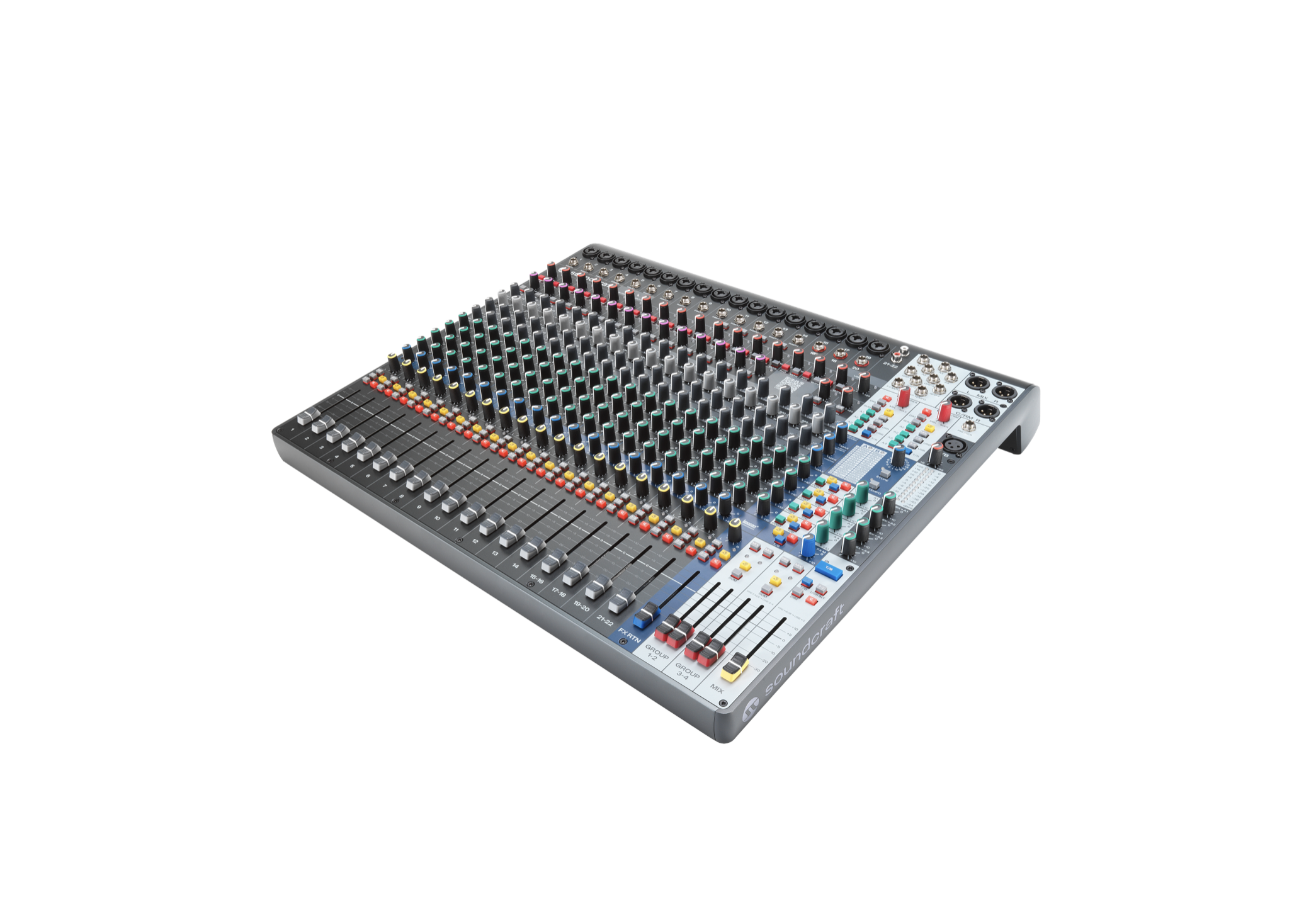
The Soundcraft Signature Plus 16, part of a larger range of new analogue consoles from Soundcraft, follows this design philosophy and offers every tool that engineers and artists alike could need. As its name suggests, the Signature Plus 16 has 16 channels of audio to be routed to auxiliaries, alt mixes, your own ‘Listen’ mix, as well as Main Mix/front of house (FOH), of course.
The Signature Plus 16 features 16 mono channels, three stereo channels and two RCA inputs. Each channel has four auxiliaries accompanying a fifth, dedicated FX send, routing signal to a legendary Lexicon-powered FX unit with 32 effects. Helpfully, the unit itself has a QR code that links to a user manual for the effects and parameters, as well as storing, recalling and clearing saved memory spaces. Effects can easily be routed to auxiliaries for artists, the main mix bus or a slew of other places if you need!
Each channel has a three-band parametric EQ, as well as a 100 Hz high-pass filter for quickly and easily cutting out the rumble of a stage, or the hum of a studio. Quick and easy is the name of the game with the Soundcraft Signature Plus 16, its entire framework being easily visible all at once, handy LED lights communicating potential problem areas as they shift from green to indicate signal, yellow to indicate optimal signal, and warm orange and red as they clip. In seconds, I was able to identify and fix problem areas, the LEDs quickly letting me know the exact point in the signal flow where the clipping was occurring, or alternatively where signal was lacking – or not flowing at all!
This immediately helped me manage the multiple mixes available on the console, whether sending signal directly to FOH, FX, auxiliary mixes for artist monitoring, or my own ‘Listen’ mix. The Listen mix is available via a bright yellow button with an ear icon – intended as the engineer’s own mix, sent to a small monitor, which works in addition to a headphones mix. Use this to easily and quickly double-check what an artist is hearing, or as a way to hone in on sounds without affecting the overall FOH or auxiliary mixes.
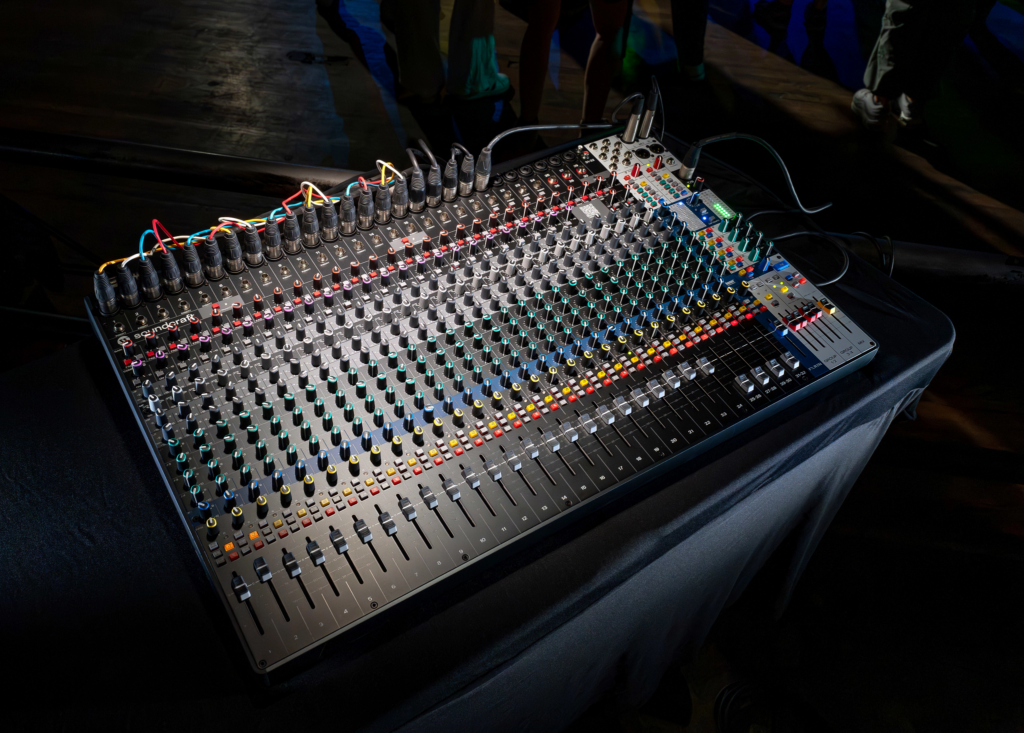
The Main/FOH Mix has additional LED lights that respond to input, easily visible from metres away, and bright enough, of course, to be seen in a dark venue.
Each channel features a high-quality preamp taken directly from Soundcraft’s iconic ‘Ghost’ range of recording consoles, which were something of a cult favourite amongst the early DIY recording community of the ’90s and 2000s (Aphex Twin anyone??) and are fondly remembered for punching well above their weight. This is followed by a DBX 165x compressor circuit with its own LED that, again, shifts from green to yellow and red depending on how much the sound is being wrangled into place. The compressor circuit is very utilitarian, imparting little sonic character to the sound, and doesn’t do too much to bring up noise in the signal.
Instead, it acts and sounds more like a limiter, preventing peaks and pokey transients, while still doing the job of a compressor and bringing up quieter parts of the signal without lifting the noise floor. I found myself able to push the compressor pretty hard without overtly squashing or ruining the signal. The same goes for the EQ. Being analogue, it does that thing where you can push it harder than in the digital realm. With the high end dimmed, my voice through one of the mono channels only became brighter and more present, and the low end added proximity and closeness, all the while without introducing mud to the signal.
Routing to any or all of the auxiliaries is available right on the channel strip – another potential hurdle in the digital world. While digital consoles offer more routing capabilities, often all that’s needed is a handful of auxiliaries to get signal to foldbacks and effects, as well as a main mix bus. The advantage of the Signature Plus 16’s analogue design is that the auxiliary levels for each channel are, first and foremost, available on the channel you want to send to, and secondly you have a quick overview of what is being sent where, thanks to the level indicators on each auxiliary pot. On a digital console, sends and returns can be lost and hidden beneath multiple layers of faders. The Soundcraft Signature Plus 16 had me up and running and making sound in moments.
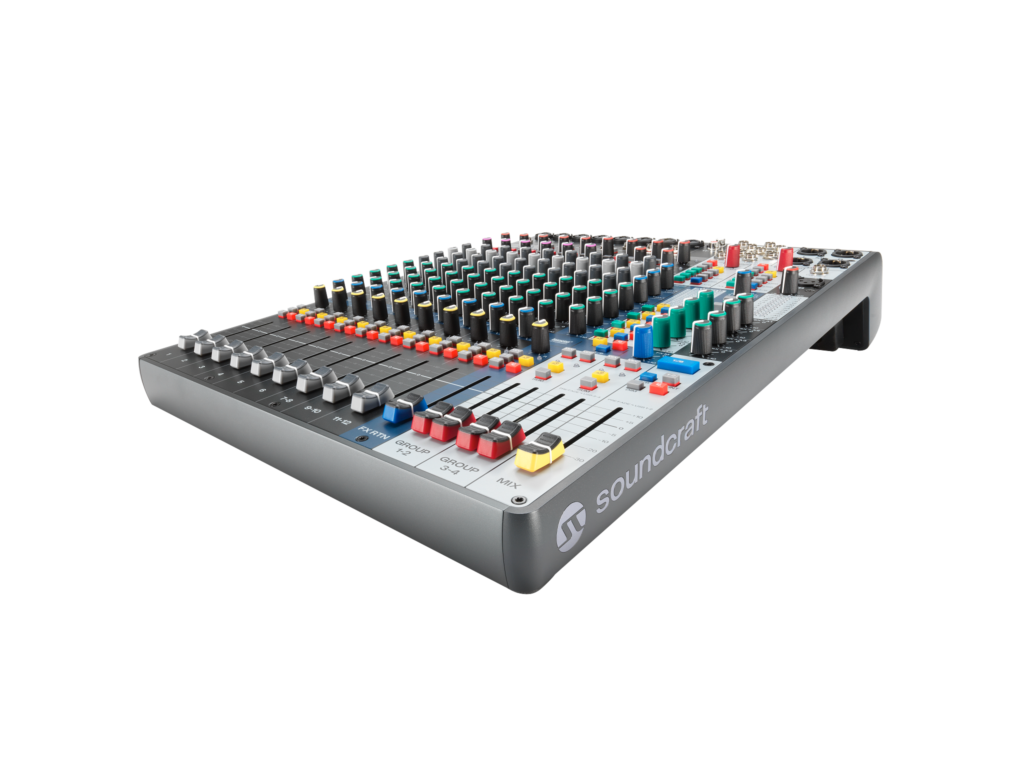
All in all, the Soundcraft Signature Plus 16 is a home run. Simple, intuitive, but great sounding above all; truly the point of all this. An overview of your whole mix is available by design; the whole console and everything you need in a tidy package. Functional and practical EQ, with plenty of range at either end of the frequency spectrum, and a per-channel compressor in addition to an insert point for more effects. Lexicon-powered effects contribute to the polish and power of the mixer, all the while, the Signature Plus 16 takes it in its stride.
The Signature Plus 16 is built for quick and powerful work, allowing you to focus on an artist’s needs, an audience’s enjoyment and your own polished FOH mix!