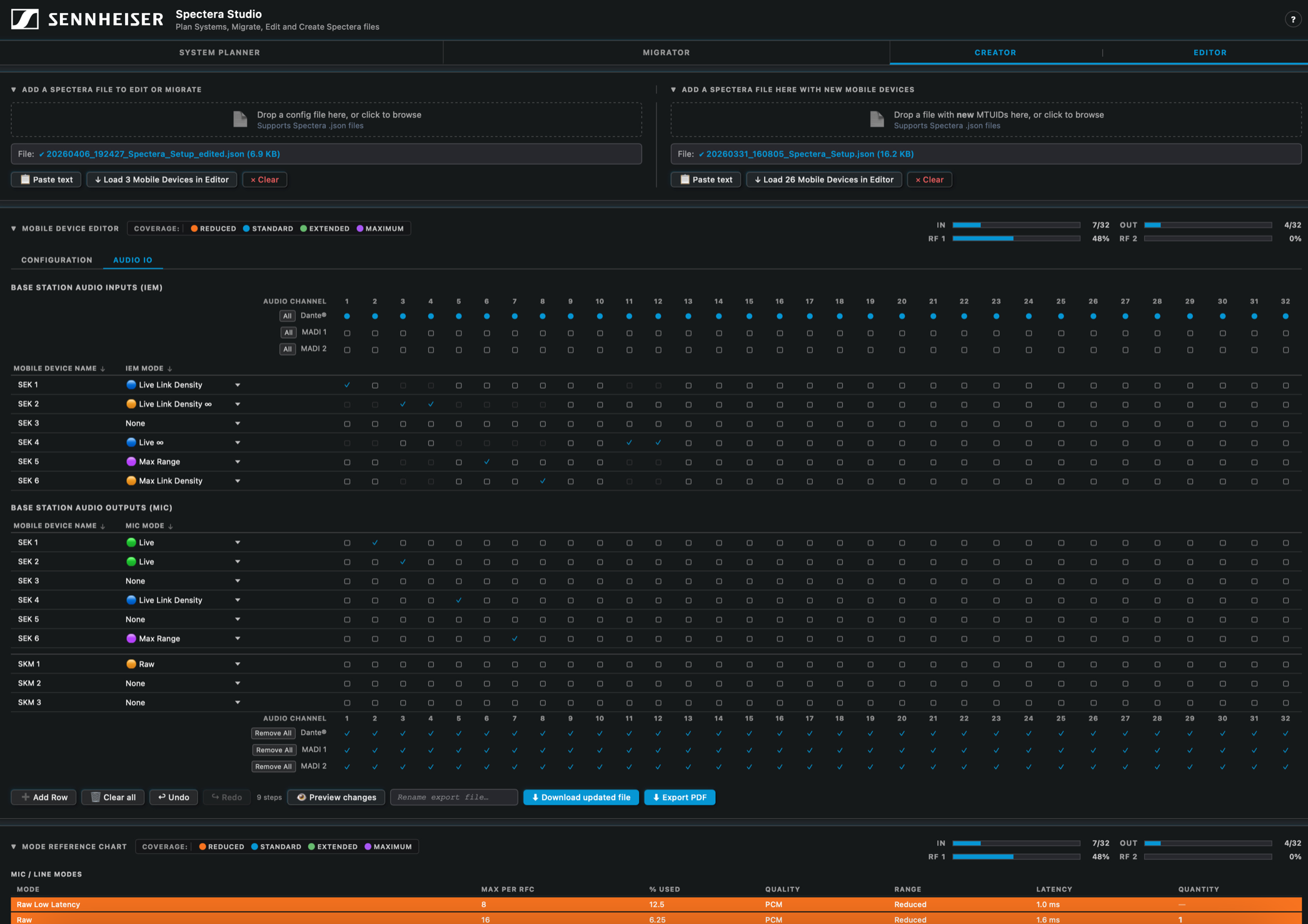
Spectera Studio is a free system planning tool that lets engineers design, edit and migrate full Spectera wireless configurations offline – no Base Station connection required.
Anyone who’s managed a complex wireless setup knows the pain of trying to configure or reconfigure a system on the fly. Sennheiser’s answer to that is Spectera Studio, a newly available system planner built specifically for its Spectera bidirectional wideband wireless ecosystem.
Catch up on all the latest news here.
The tool is aimed at the preproduction and redeployment phases, where having to be physically connected to a Base Station just to plan or tweak a configuration adds unnecessary friction. With Spectera Studio, engineers can build an entire system from scratch offline, import and edit existing Spectera WebUI save files, or migrate configurations across devices without needing to be on site.
Greg Simon, Director of Technical Applications Engineering at Sennheiser, describes it as closing a real gap for operators: “Spectera Studio closes a gap for operators who want to seamlessly migrate saved configuration files from WebUI for use with new mobile devices, or batch edit all or selected mobile device parameters within an existing save file. Of course, users can also build entirely new configurations from scratch, without requiring connection to a Base Station.”
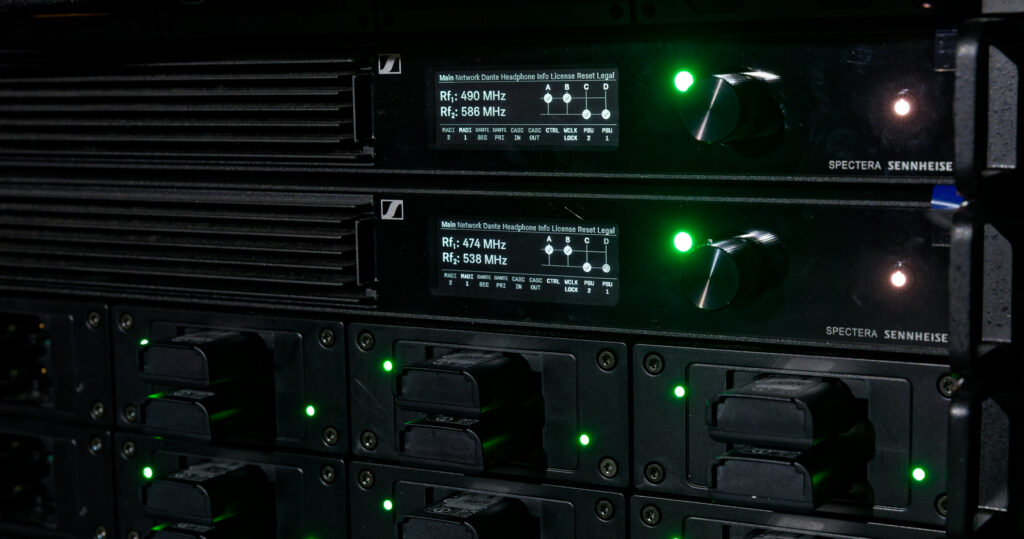
The system planning side of the tool is practical and well thought out. Users can define link modes, mobile devices and antenna configurations per RF channel, with Spectera Studio calculating RF capacity usage and determining how many Base Stations a given set-up requires. A system overview can be exported as a PDF for documentation or sharing, handy for productions involving multiple stakeholders.
On the configuration side, users load a WebUI save file or start fresh, adding devices, combining multiple save files and editing parameters in bulk. Once a configuration is finalised, it’s exported and uploaded directly to a Base Station to apply the settings. The tool also handles Mobile Transmitter Unique IDs (MTUIDs), allowing users to view and update them across a file to avoid the kind of device mismatch errors that can derail a deployment.
“By combining planning, editing, and migration in one tool, Spectera Studio significantly improves efficiency in system set-up, reconfiguration, and scaling of multichannel environments,” says Simon.
Spectera Studio is available now, hosted on the SoundBase page alongside the Spectera Mode Planning and Spectera Walk Test tools.