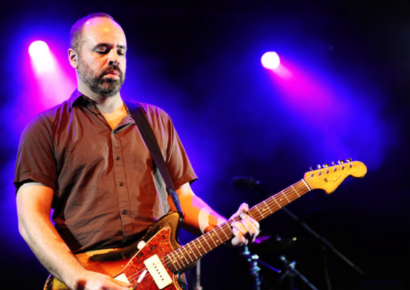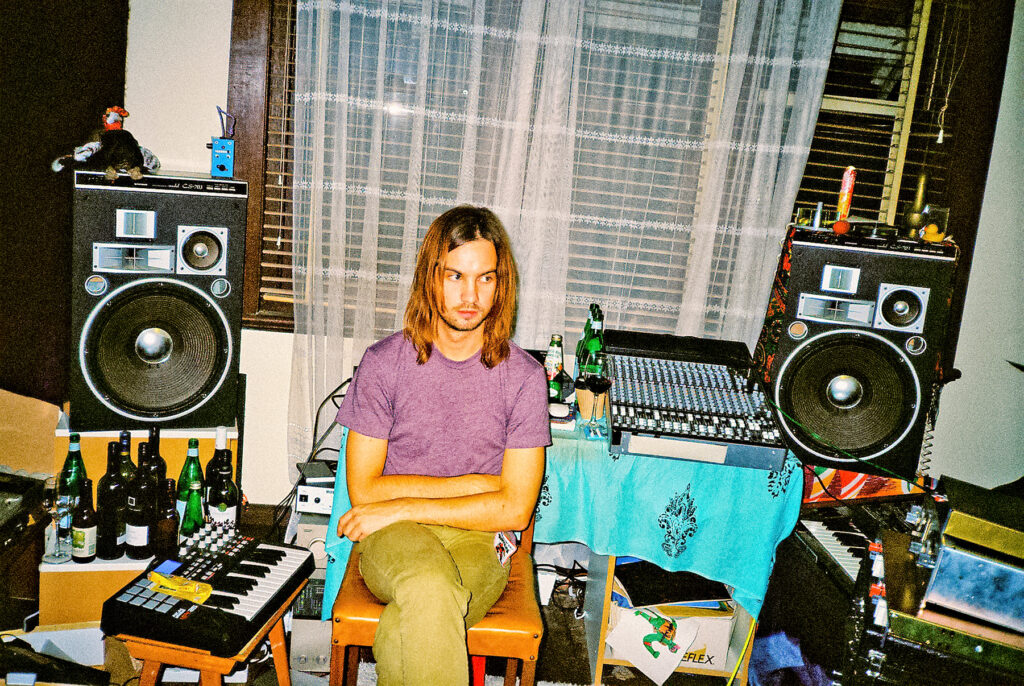
Kevin Parker ran the bassline from The Less I Know the Better through stock Ableton Overdrive, serving as a great reminder that what's already sitting in your DAW can go a long way.
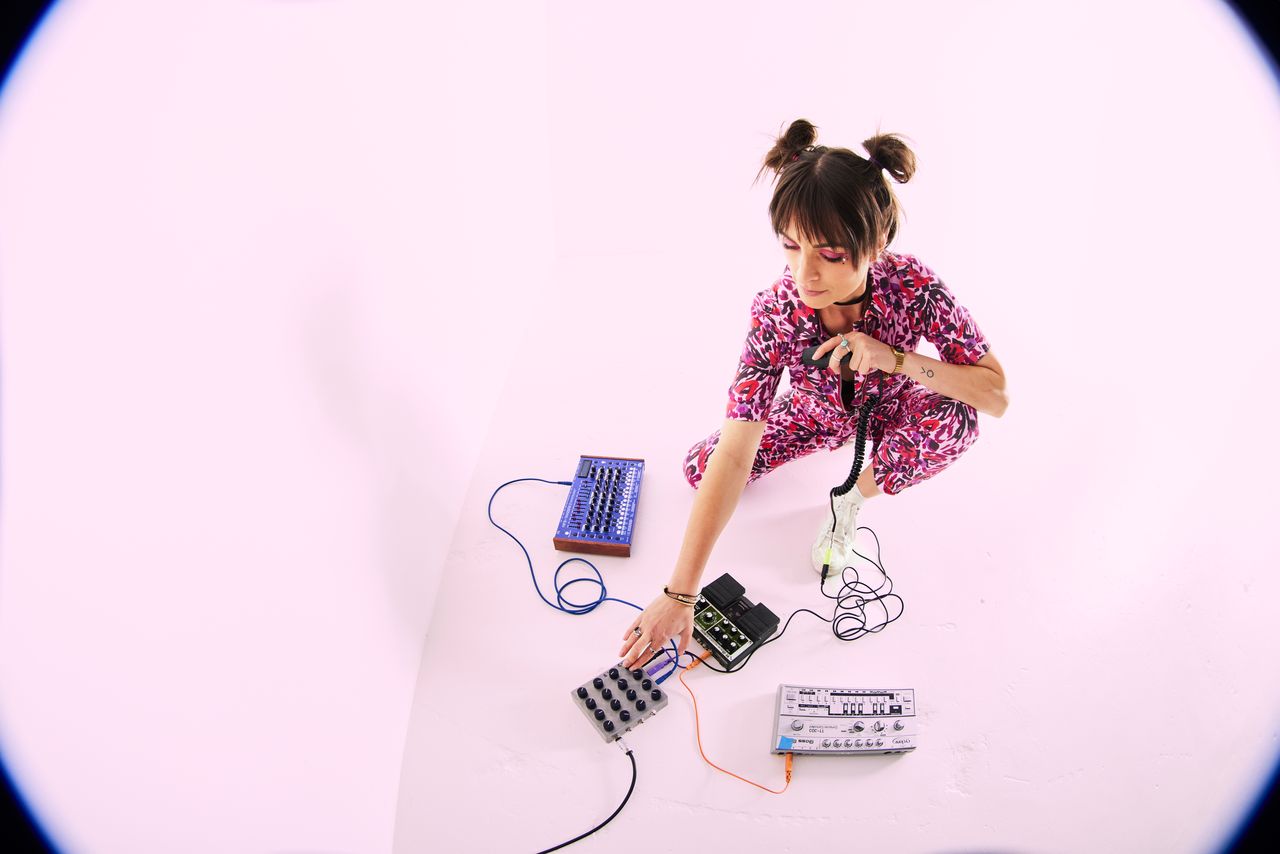
With a slew of Ableton’s built-in effects recently updated – Auto Filter, Chorus-Ensemble, Erosion, Phaser-Flanger and Saturator among them – we asked DJ, producer, musician and Ableton Certified Trainer Eluize what’s changed, what’s underrated, and what she reaches for.
Kevin Parker ran the bassline from The Less I Know the Better through stock Ableton Overdrive – a hugely successful song. Does that surprise you at all?
Absolutely not! Overdrive is a great way to add vintage-leaning distortion. Ableton Live’s distortion and colour effects have so much more scope than I think some people realise. If you take time to tweak and combine or layer them, you can build a sound’s character in endless ways.
Do you think there’s a bit of stigma around using stock plugins? If so, where do you think that comes from?
I’m not sure there’s stigma, but I guess it depends on your circles, your experience and the people and places you’ve learned from. There’ll always be debates around one thing or another – vinyl/digital DJing, for example, is another one of these ongoing conversations. I think the most important thing is that you’re comfortable with the tool, that it does what you’re hoping to do, and that it helps you move into flow state with your production rather than feeling hard or clunky.
I like to understand how plugins are working – as in, what the effect chain or unit behind the front-facing parameters is doing to the sound as it passes through (or as close as I can get without going down too deep a wormhole) – so I find it helpful to try to get as close as I can with stock effects, their settings and combinations, before getting lost looking for the “perfect” tool. This often leads to happy accidents, outcomes I could never have imagined, or discoveries of different ways to create effects – all things I’m very enthusiastic about.
Catch up on all the latest interviews and features here.
What do you think producers underestimate about Live’s built-in effects?
It’s hard to say in a sweeping way, but I think the thing that surprises a lot of people I work with is just how much there is. The amount of times I hear “I didn’t know you could do that!”, or “Knowing that was there would have saved me so much time”, or “…so, that’s a bit like [third-party plugin]” – to which I reply, with a sparkle, “but wait til we combine/modulate/sidechain this!”. The way the built-in effects can collaborate with each other, in chains and racks and across Ableton Live, plus the added dimensions of Max for Live, gives them so many advantages and opportunities for expansion.
The newly revamped Auto Filter brings in some unusual filter types, including Vowel, DJ and Comb. When would you suggest choosing one of these more unusual, colourful filter types over just reaching for a standard filter cut?
These all have interesting creative opportunities – as with any new effect, I encourage people to play around with them to see what they’re capable of, keeping their ears open for how they might be useful, fun or expansive in their work and art.
Each filter type has a bunch of use cases. Vowel brings vocal formant-style tones to sounds. Some places to start experimenting could be using it to add vocoder energy to an instrument, for manipulating sounds to layer with recorded voices, or even reshaping the formants in a vocal take. Check out the envelope control while you’re tweaking your settings – this applies envelope modulation to the filter, so the filter frequency moves with the amplitude of the incoming signal.
With DJ, I instantly think of live performance or live-recorded jam opportunities for drops or breaks, across groups or the main output channel, because of the intuitive way it works as both a high or low pass filter as you twist it. If you’ve got a history with DJ mixers, this one will make sense to you right away. My muscle memory wants to immediately put it with a delay or other timed effect for disco DJ-style delay fades between tracks.
Comb has qualities akin to a phaser – if the frequency is modulated with the built-in LFO, you get instant movement in your sound. You can take this even further with Auto Filter’s option to offset the phase of two LFOs in the left and right channels; combining this with an automating frequency creates lovely stereo width and an ever-changing sound.
It can be to overdo Phaser/Flanger. How do you use it musically, and what’s changed in the updated version?
It’s pretty easy to overcook lots of different effects, but because creativity is so subjective, I think it’s something producers need to learn by doing – listening to the effect in the context of the music with consideration for what they’re trying to achieve, how it impacts other elements and the overarching energy.
In terms of musical ideas, or things to mind with Phaser-Flanger specifically, I’d suggest considering the amount and feedback – maybe a light touch is all you need to add that movement and sparkle. Take care selecting a centre frequency that feels right with the music, deciding how many notches and what rate of movement works. You might choose to make the LFO control the Phaser/Flanger’s pace and lock it in time with the track’s BPM, or use the built-in envelope follower to get the movement to follow the amplitude of the audio it’s affecting. This can be great to enhance the groove or shape the sound without adding complication or mud.
The envelope follower can be found with other new, finer control options when you unfold the device. These include 10 different wave shapes and a phase adjuster for the main LFO, as well as a second LFO and a Safe Bass high-pass filter.
Always take care with high feedback settings – depending on your other parameters, these devices can get loud quickly!
What does the added delay time control change for Chorus-Ensemble, especially for bass and guitar?
The new delay time control parameters are Time and Taps. You can use the Time chooser to select a fixed delay time for the delay lines in the chorus. This can be useful for bass and guitar sounds if you’d like to set longer delay times. I also appreciate the extended control for sound design and experimentation. The Auto setting preserves the original behaviour, where the delay time is scaled dynamically per tap and with the modulation amount. If you’re looking for a familiar, classic hardware pedal effect, the single tap delay results in these simpler, thicker chorus textures.
Erosion is one of Live’s more niche effects. What does the new sine/noise blend unlock that wasn’t possible before?
The new blend feature allows you to continuously mix between pure sine modulation and pure noise modulation rather than having to select one or the other. This opens up deeper control options for sound design. One of the highlight perks of this new blendability is that you can map the control to a modulator like LFO or Envelope Follower, to easily add dynamic movement, interest and shape to the effect across the track or amplitude of the incoming sound. It can be a tasteful way to add a touch of noise, fuzz or texture to simple basses or sub-bass without making them overly harsh.
Saturator got a Bass Shaper curve in 12.1. How much does that change the way you’d use it on low-end material like 808s and sub basses compared to before?
The new Bass Shaper curve gives a smoother harmonic spectrum when driving the low signals in at high input gain. This curve, along with the threshold control that allows you to sweep through different forms of clipping and saturation smoothly, means you can tune in precisely the right kind of colour to help bass sounds like 808s cut through without them getting too mucky or messy in the low end. For even more tweakability, you can expand the view on the Saturator and adjust the colour controls. The filter shape here adjusts what frequencies of the original signal are sent through the effect, so you can cut or boost areas you’d like more effected.
What’s a stock Ableton effect you think is underrated or underused?
I think this is so dependent on the genre! Utility is a real treasure, a problem solver and a workhorse. The ability to do checks of your mix in mono, mono the bass frequencies, phase flip sides, and adjust and automate gain without interfering with the track’s set level are all super useful adjustments, right at your fingertips, that you don’t know you need til you need them.
I’m recently obsessed with creative applications for the gate, another classic effect, with “practical” applications. By adding it to a track with non-beatsynced textures or an ambient recording, and using the built-in sidechain to trigger the gate to open with a percussive or instrumental sound, you can add ever-changing character to individual hits across a track. So fun.
Auto Shift is a game-changer, too! As it’s quite new, I think many producers might not have gone too deeply into the control and power of this thing, but it’s incredible.
Finally, utilising effect racks – putting together chains of stock effects that you can then blend smoothly, modulate or switch between – opens up so many wild opportunities for both live and studio settings, for sound design, and for honing your own artistic voice when it comes to effects. Very cool.
Are there any stock Ableton effects you’d combine in a chain that people might not think to pair together?
I’m always experimenting and a little bit chaotic with my chains. Regular combos are classic ones for treating vocals or safety and analysis chains on my main output.
Lately, something I’ve enjoyed exploring is having multiple chains of effects to run a vocal through in an effects rack, then using a macro knob to either switch between effect chains (great for live sets) or blend a mix of multiple effects chains at different ratios. The blend option is particularly useful for creating lush, wide, evolving pads from single vocal notes. On the chains I intend to blend between, I might have an instance of Auto Shift on each, manipulating the formant, adding various harmonies, or following melodies or harmonies from the track via the built-in MIDI in. This gives me a wide range of experimentation opportunities with just one vocal take or input.
I’m also quite obsessed with the stock plugin preset Trance Pad Gate, and utilise parts of it in my own chains very frequently to create rhythmic movement in developing sustained sounds.
When someone is new to Live, where do you usually start? Is there a concept that usually takes a while for a student to understand?
It depends a little on whether the learner has any experience with audio outside of Live. If they’re new to the concept of audio effects, I’ll usually start by showing them where they live in the browser, how to search, filter and use the tags to give them clues about what a thing does. Then we talk about the overarching concepts – that audio needs to move through the effect for it to work, the signal flow, and how and why the order of effects can change the result.
Next, we go into what styles of audio effects there are – equalisers and dynamics, distortion/saturation/colour, time-based, analysis, modulation and spectral – showing examples of practical and creative uses for each, and about wet/dry and feedback settings, with a big warning on feedback potential to be extremely loud. After that, I usually let them loose and say to “mess around and find out”.
The thing that often takes a little getting used to for learners is understanding in what instances and why effects are better suited to being applied to the send/return channels versus individual tracks or groups – but this is powerful information once they get their heads around it.
Has anything about the 12 update cycle changed how you teach effects to students?
It hasn’t changed the way I teach, but it’s certainly given me lots of new tools to show them. The two big ones for me have been the real-time spectrum visualisation in Auto Filter, which makes it more beginner-friendly to understand because we can use the visual cues to hear what it’s doing, and Auto Shift is a game-changer for producers working with vocals. Prior to this, I used Max for Live effects or third-party tools for autotune, so having something this intuitive and deeply tweakable built into Live is huge!