The free update gives Oracle and Odyssey a shared project format and brings console automation into Pro Tools and Logic through the new O-Motion plugin.
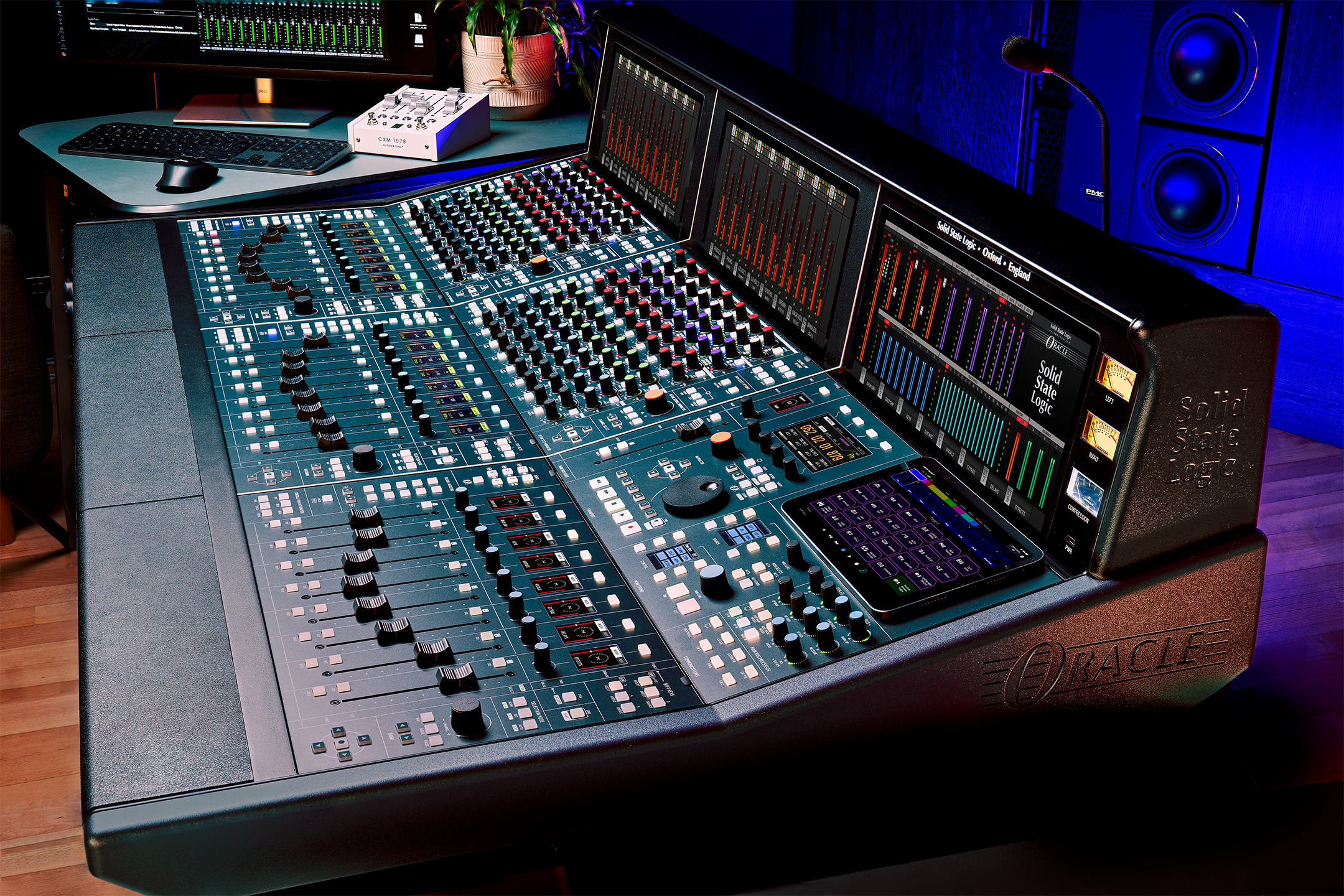
SSL has released O-Series V2.0, a software update for its Oracle console that links the company’s two Future Analogue desks and pulls console automation into the DAW.
Future Analogue is SSL’s term for an analogue signal path with full digital recall – a large-format analogue console whose settings can be stored and called back instantly, the way an in-the-box session can. Oracle was the first, and SSL added the flagship Odyssey earlier this year.
Catch up on all the latest news here.
Here’s the section with a heading for each feature and the lead-ins removed.
Shared projects across both consoles
A session built on an Odyssey can be opened, edited and resaved on any Oracle, whatever the channel count, and Odyssey-only parameters such as its dynamics processing and low-pass filters stay intact even when they’re handled on a console that doesn’t have them. For studios running more than one desk, like multi-room facilities, universities or commercial rooms, an engineer can move between them without rebuilding settings from scratch.
O-Motion: DAW-based automation
O-Motion is a DAW plugin that records, edits and replays console moves inside Pro Tools or Logic, storing the automation in the DAW’s own playlists and lanes rather than on the console. Faders, pans, cuts, inserts, EQ, filters, dynamics and bus controls can all be automated from the session, and the data can be copied and edited the same way as any plugin automation, so analogue moves live alongside everything else in the mix.
Snapshot Filters
Snapshot Filters let engineers include or exclude individual channels, processing sections or parameter groups from a snapshot – handy for comparing balances, holding onto a particular EQ across song sections, or managing client revisions without disturbing the rest of the mix.
Channel Presets
Channel Presets save favourite EQ, dynamics, input, filter, bus-send, fader and processing-order settings from O-Control, and because they’re stored separately from the project, they travel between consoles and studios.
TouchView and O-Verview
TouchView brings the relevant processing section up on the screen above a channel as you touch its controls, while O-Verview puts metering, fader positions, solos and cuts for the whole console on a single screen.
“Future Analogue has always been about removing the compromises that traditionally separated analogue sound from ITB workflow,” said Niall Feldman, SSL’s Director of Special Projects.
O-Series V2.0 is due in early September. For local enquiries, head here.