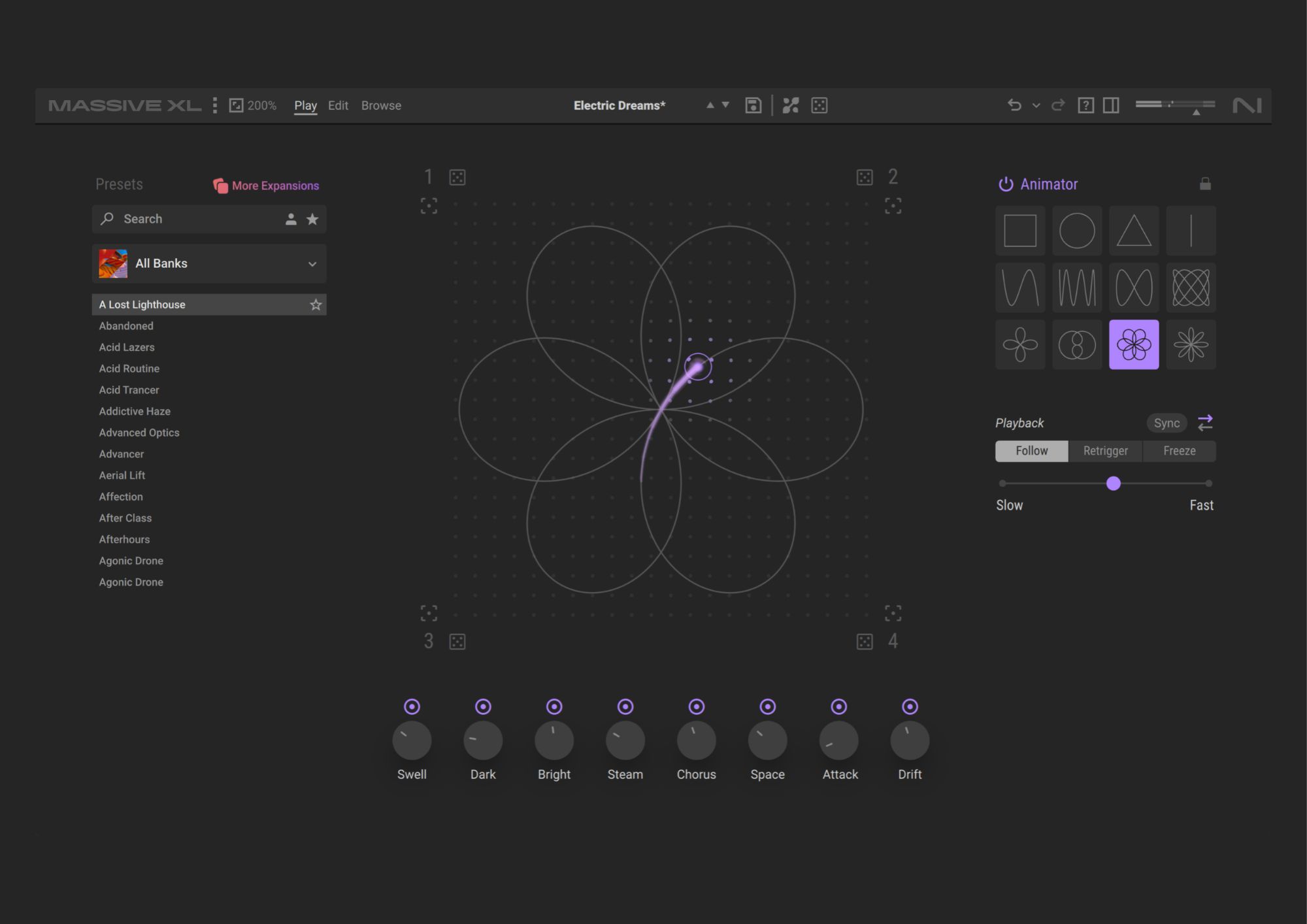
The new flagship synth can build an editable patch from an audio reference, alongside new wavetables, on-screen modulation and tools for generating variations.
Massive XL can take an audio clip and turn it into a playable patch you can keep editing. That’s one of several new tools Native Instruments has built into its latest flagship synth, which replaces Massive X and puts a greater focus on getting from an idea to a usable sound quickly.
The original Massive arrived in 2007 and became a fixture in bass music and electro production, with Massive X following in 2019. Massive XL keeps the semi-modular open routing that has defined the platform. The biggest changes are in how much of that depth it shows you, and how quickly you can put it to use.
Catch up on all the latest news here.
The headline addition is the Preset Generator, which analyses an audio reference and builds a Massive XL patch from it. Stem separation is built in, so the reference can be a full mix. Mutator generates variations that stay close to the original sound, and the randomiser can scramble individual modules while leaving the parts you like untouched. The Morpher and Animator have also been reworked, so movement you create can be performed live, locked and carried over to other presets.
“Massive has always been about giving producers the freedom to create sounds that feel uniquely their own,” says Tim Adnitt, Senior Director of Product Management at Native Instruments. “With Massive XL, we’ve focused on helping users reach those sounds faster.”
On the sound side, there are more than 100 new wavetables, including material from the original Massive and classic PPG tables, plus more than 100 new noise tables. You can also build your own wavetables from imported samples. Native Instruments’ Raum reverb, Replika Shimmer and Tape Wobble are among the built-in effects, and polyphonic aftertouch is supported on compatible controllers.
Modulation is now animated on screen, so you can watch a parameter move as it’s modulated and bring up every source affecting it, or every active source across the patch. Modulation is assigned by drag and drop, with sidechain routing, envelopes, LFOs, Performers, Trackers and 16 macros that can all be automated from your DAW. Built-in help explains functions without leaving the plugin, and there’s also an undo history, draggable envelope handles and reusable sub-presets.
For local enquiries head here